
Meeting Recap Emails: How They Keep Projects Moving Forward
How Meeting Recap Emails Keep Projects Moving Forward Meeting recap emails...
Record, transcribe, and email auto-generated Minutes of Meeting. Powered by a local AI chat, with each version seamlessly shared with all members.
Meeting-Note is an AI meeting notes app that records your meetings, converts voice to text, with a local AI Chat, and automatically emails both the audio recording and transcript to attendees and management in a MOM email—so nothing gets missed.
Meeting-Note has an easy management system with Team Owners, Projects and meetings that create an easy to collaborate workflow that keeps everyone on the same page and avoids duplicated work which maximizes efficiency.Â
Not every meeting is planned, and not every conversation is tidy. With MeetNote, you can start, pause, resume, and append recordings later on as conversations evolve, or undo mistakes with version control if you make a mistake. If something important comes up later, you simply append more audio instead of overwriting what you already recorded.
You stay in control of format and workflow. Choose the audio format that fits your process, or upload an existing recording from another conversation. MeetNote treats pre-recorded files just like a live session, feeding them through the same AI engine so you get consistent, reliable meetings every time.
As people speak, their words appear on screen in real time so everyone can see that nothing important is being missed. If the conversation goes quiet, MeetNote can gracefully pause, then resume as soon as the discussion picks up again.
After the meeting, MeetNote’s smart assistant gets to work. It has full context of the meeting while staying all local. AI Chat, Time Stamps, and dividers are laid out in a structure that makes long conversations easy to skim. Each sentence has an editable text and timestamp box so you can adjust the timing and spelling of each word as you go.

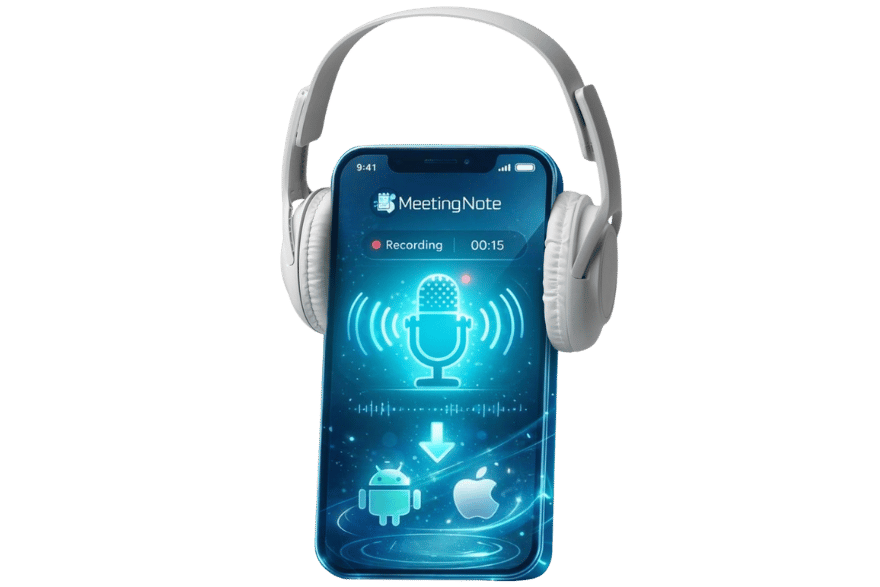
Capture meetings from your phone.

Convert audio to time-stamped text.

Clear answers to any type of question.

Import and Upload meetings and projects

Hide and show meetings from people

Roles with different power levels in teams

Meeting Info + Audio file + transcript + MOM Details.

All actions are synced and update instantly so everyone stays on the same page.

Useful Hands-Free controls during meetings.
AI Meeting Notes lets you group related conversations into initiatives with priorities, budgets, dates, and quick stats so progress is visible at a glance. Teams and departments keep large organizations tidy: you can manage members, review join requests, and keep each department’s workstream organized.
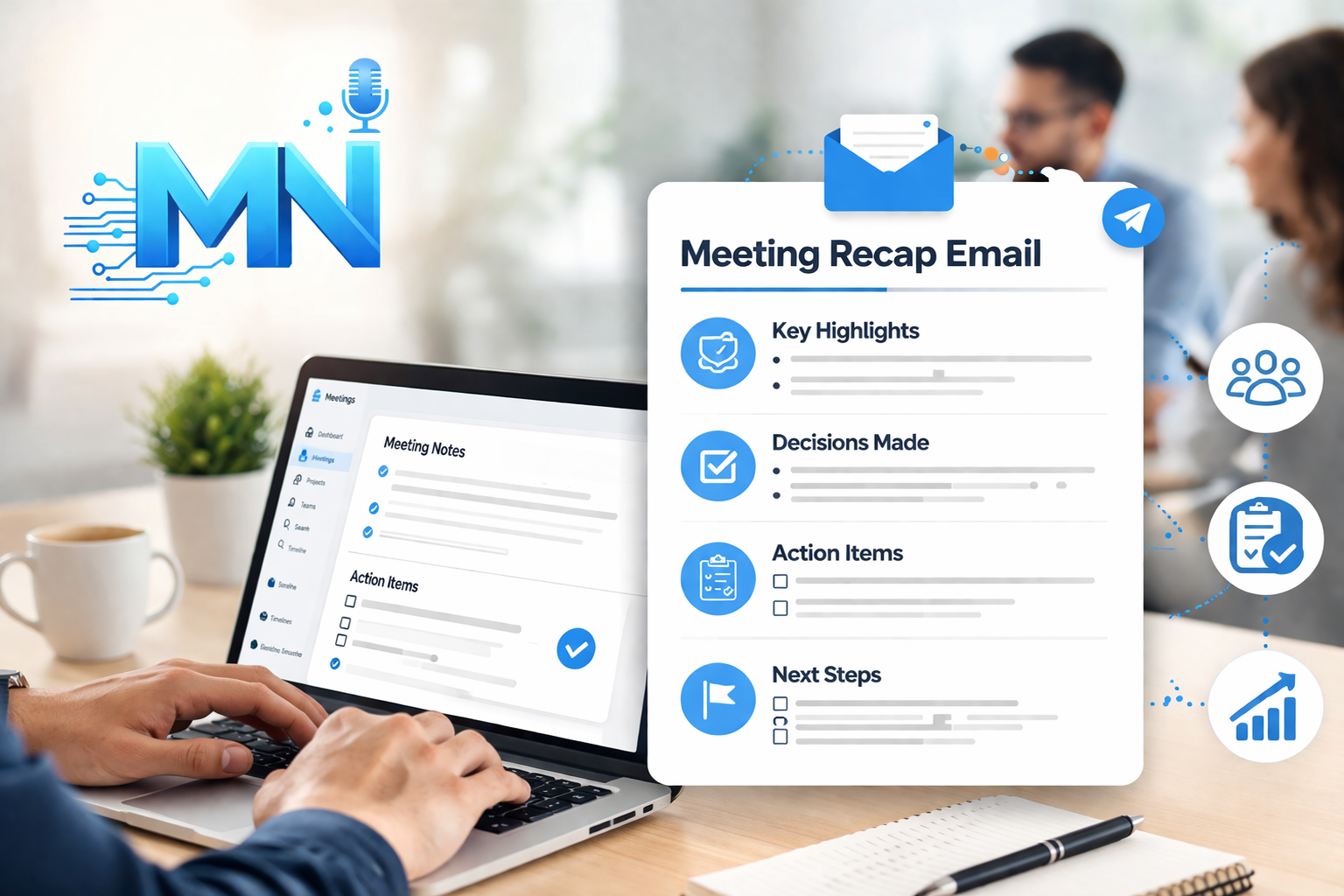
Attendees can come from inside or outside your organization. Everyone can receive the recap and sign off as needed. MeetNote automatically dispatches an email to all attendees at the end of each meeting, containing polished minutes, the full transcript, and an adjustable time-limited audio link. With optional Retention, audio and transcript can both be saved on our servers for easy team sharing so each member can view the same saved meetings.
MeetNote’s pricing is built to grow with you and keep this AI meeting minutes app accessible at every stage.
Choose the plan that matches how your team runs meetings:Â Free, Pro, Premium, or Enterprise. Plans scale by seat count (up to 100 Seats per team) and differ by minutes, retention, and features. Each plan is for someone, with the highest flexibility with Enterprise for larger businesses.
MeetNote is an AI meeting notes app built with both security and comfort in mind. Multiple sign-in options, including email, Google, Apple, and two-factor authentication, keep access smooth but safe. Multi-level permissions, an Owner’s panel with department, visibility and role control, and time-limited signed URL links help you control who can view or download sensitive material.
Background refreshes and local caching keep things responsive across devices, even when your connection isn’t perfect. You can still add personal touches with themes, animated backdrops, notifications, and subtle sound cues whenever you want your workspace to feel a little more yours.
How Meeting Recap Emails Keep Projects Moving Forward Meeting recap emails...

AI Meeting Productivity: How Teams Save Time Every Week AI meeting...

Small teams move fast. You’re jumping between calls, quick stand-ups, client...

Most meetings don’t fail during the conversation. They fail afterward, when...
Most teams don’t suffer from a lack of meetings. They suffer...

Meetings rarely happen in perfect boardrooms with everyone seated and still....

Most meetings sound productive in the moment, but a week later...

Most teams don’t have a meeting problem—they have a notes problem....
An AI meeting app records or ingests meeting audio, converts speech to text, and turns that transcript into structured notes with key decisions and action items. MeetNote for example, is designed for mobile workflows so teams can capture, review, and share meeting outcomes from iOS or Android.
Yes, There is a free plan for MeetNote with all features that paid plans have.
MeetNote supports 100+ transcription languages, including English (US/UK/AU), Spanish, French, German, Italian, Portuguese, Arabic, Hindi, Japanese, Korean, Chinese, and more. For real-time streaming, MeetNote is optimized for major languages like English, Spanish, French, German, Italian, and Portuguese.
After a meeting is done, it becomes a MOM email where you can see all the Meeting details, audio file, transcripts in all selected languages, participants signatures and more.
MOM stands for Minutes of Meetings, also known as Meeting Minutes.
Yes. MeetNote supports email, Google, and Apple sign-in, optional two-factor authentication, and role-based access controls to help teams protect sensitive meeting data.
Yes, MeetNote does not use any bots, instead it can be used in any meeting by simply letting it run during any meeting.
Yes. MeetNote supports transcript translation with plan-based limits. Free includes limited translation, while Pro, Premium, and Enterprise provide higher limits and more flexibility for multilingual teams.
Notifications